
How to install IPTV on Smart TV
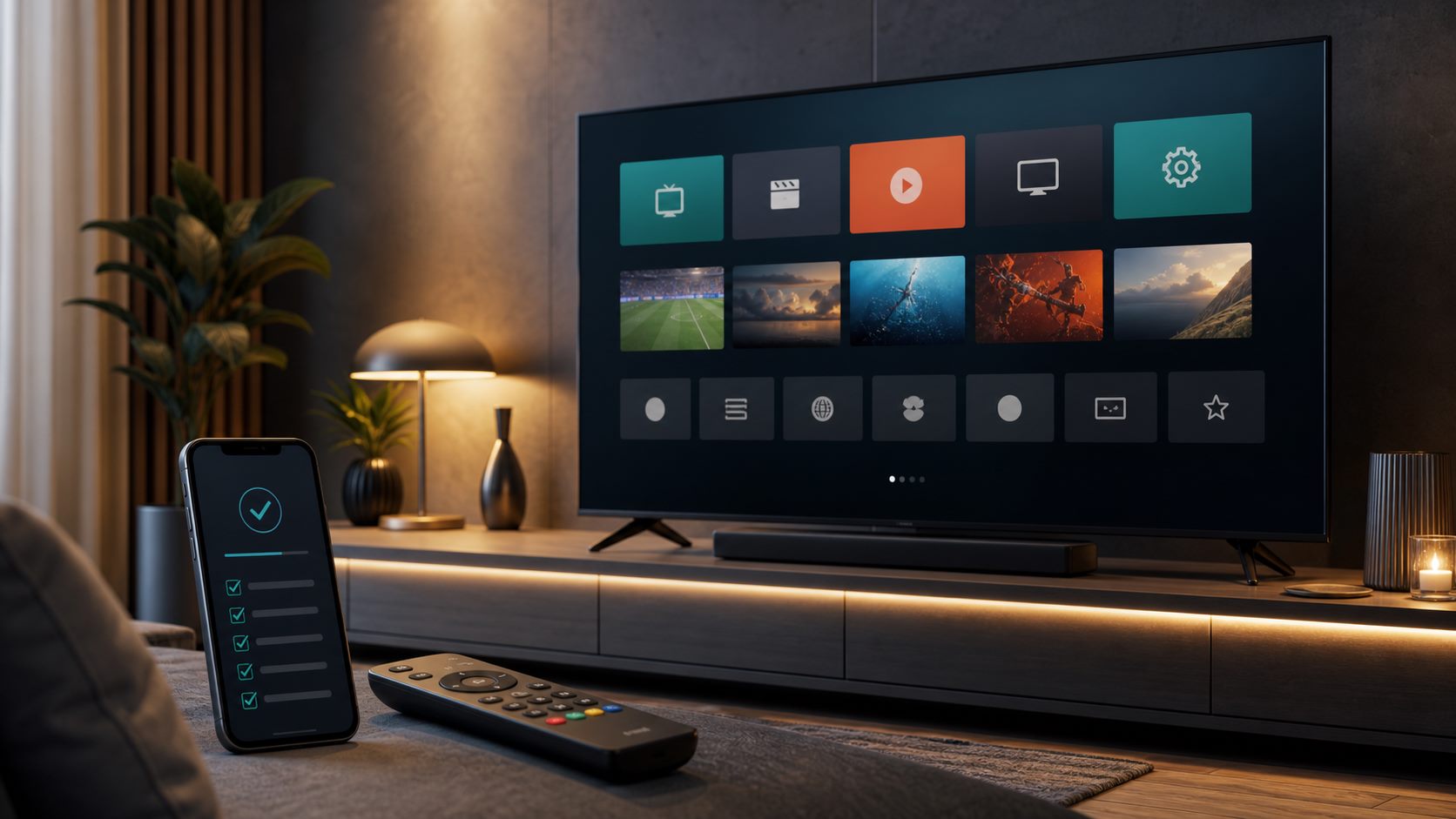
Basic setup steps for Samsung, LG and Android TV, plus the information you need.
Most Smart TV setups start with an IPTV app from the app store. Then you add the details received from your provider.
Samsung and LG often use apps such as IBO Player or Smart IPTV. Android TV usually works well with IPTV Smarters or TiviMate.
Make sure your TV has stable internet and keep your MAC address or app code ready if the app asks for it.
Related IPTV guides
Ready to test?
Start with a €1 trial and choose your plan after
Check live TV, sport, movies, series and app comfort on your own device. Then choose 3, 6 or 12 months calmly.