
IPTV for Samsung TV: fast setup and app checklist
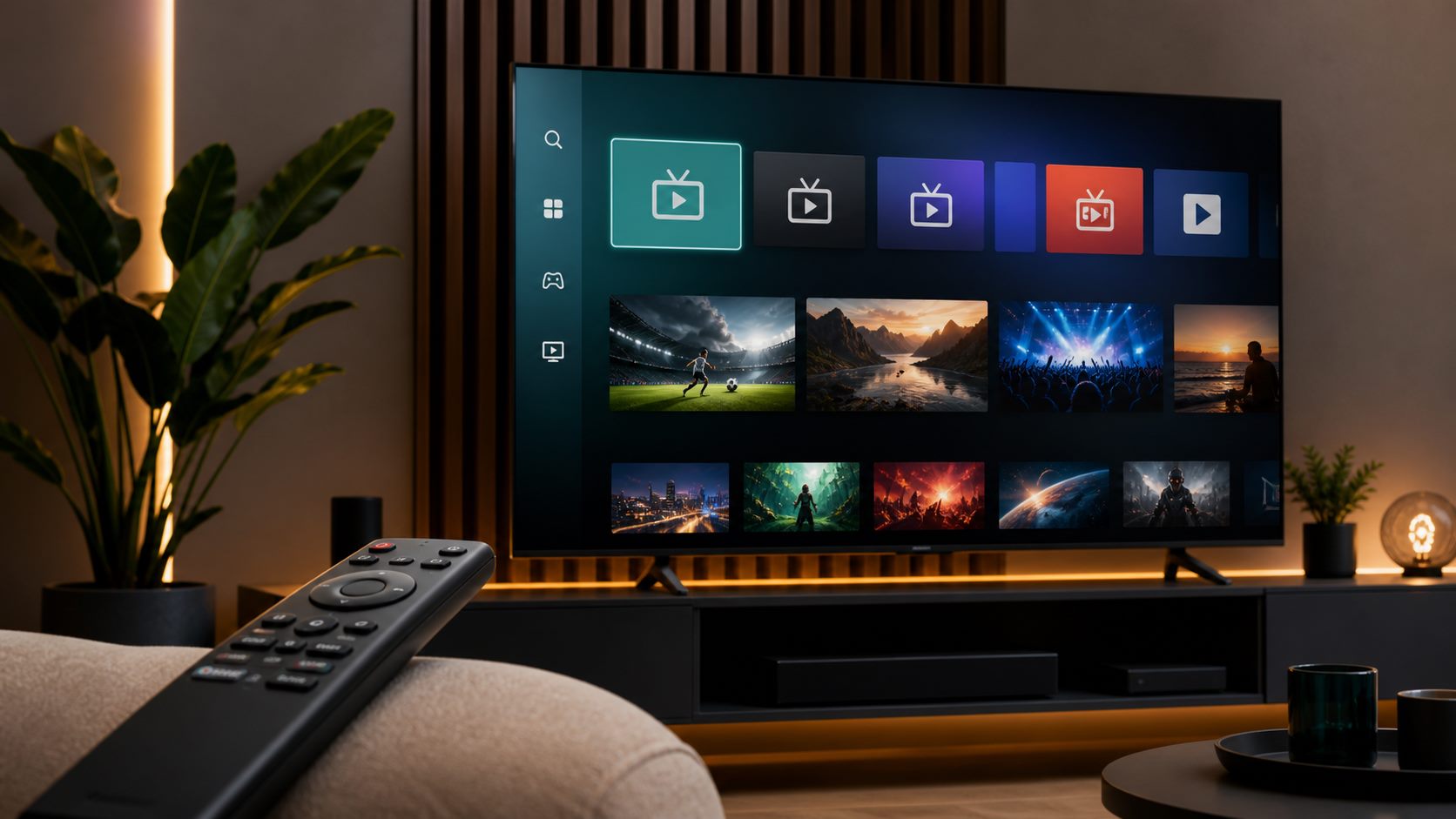
How to test IPTV on Samsung Smart TV with the right app, app code, categories and support before buying.
IPTV for Samsung TV depends on the app available for your specific model. Some users need IBO Player, Smart IPTV or another compatible player.
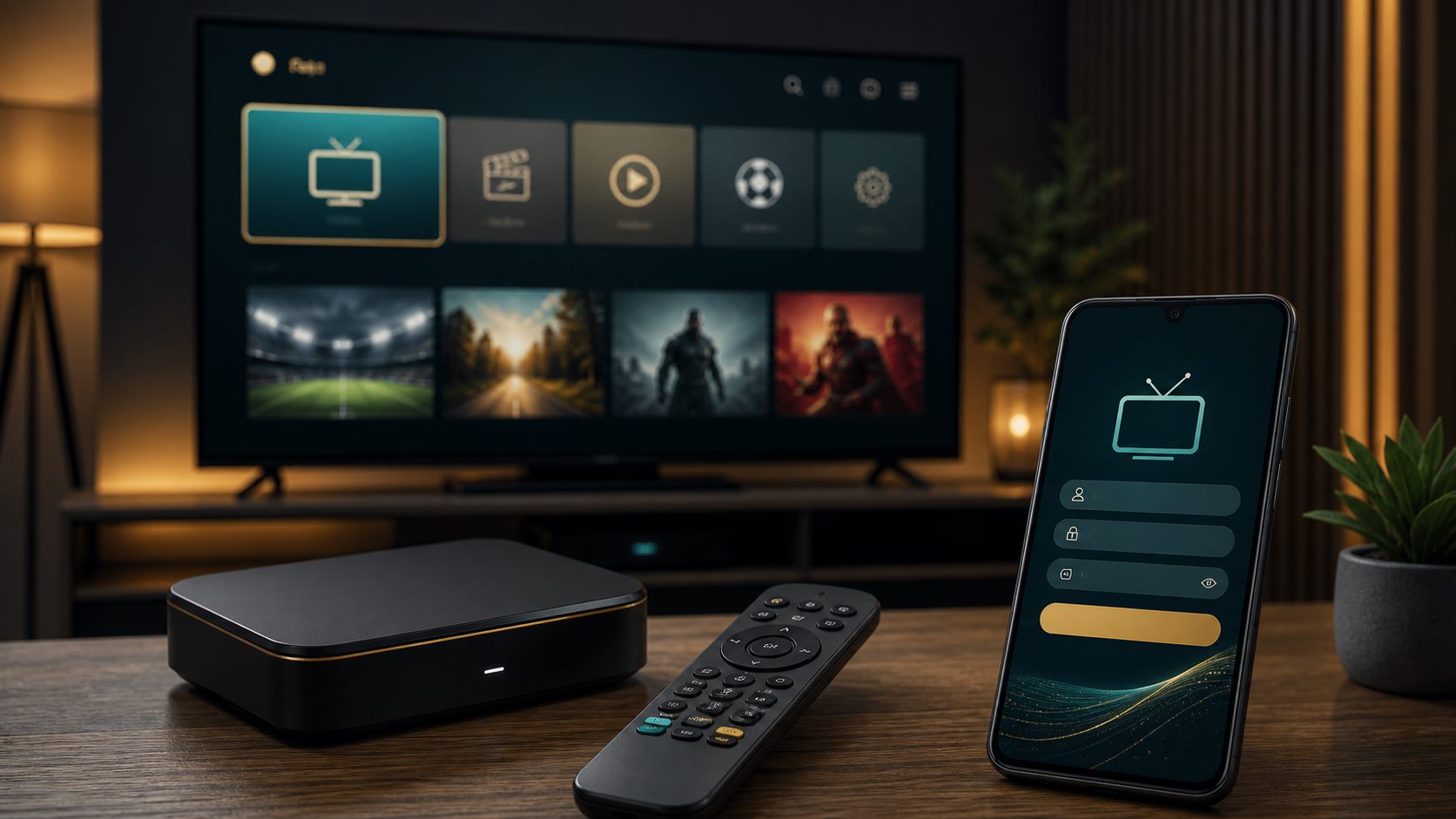
Send your Samsung TV model when requesting a trial. Support can then recommend the correct app and the right login method.
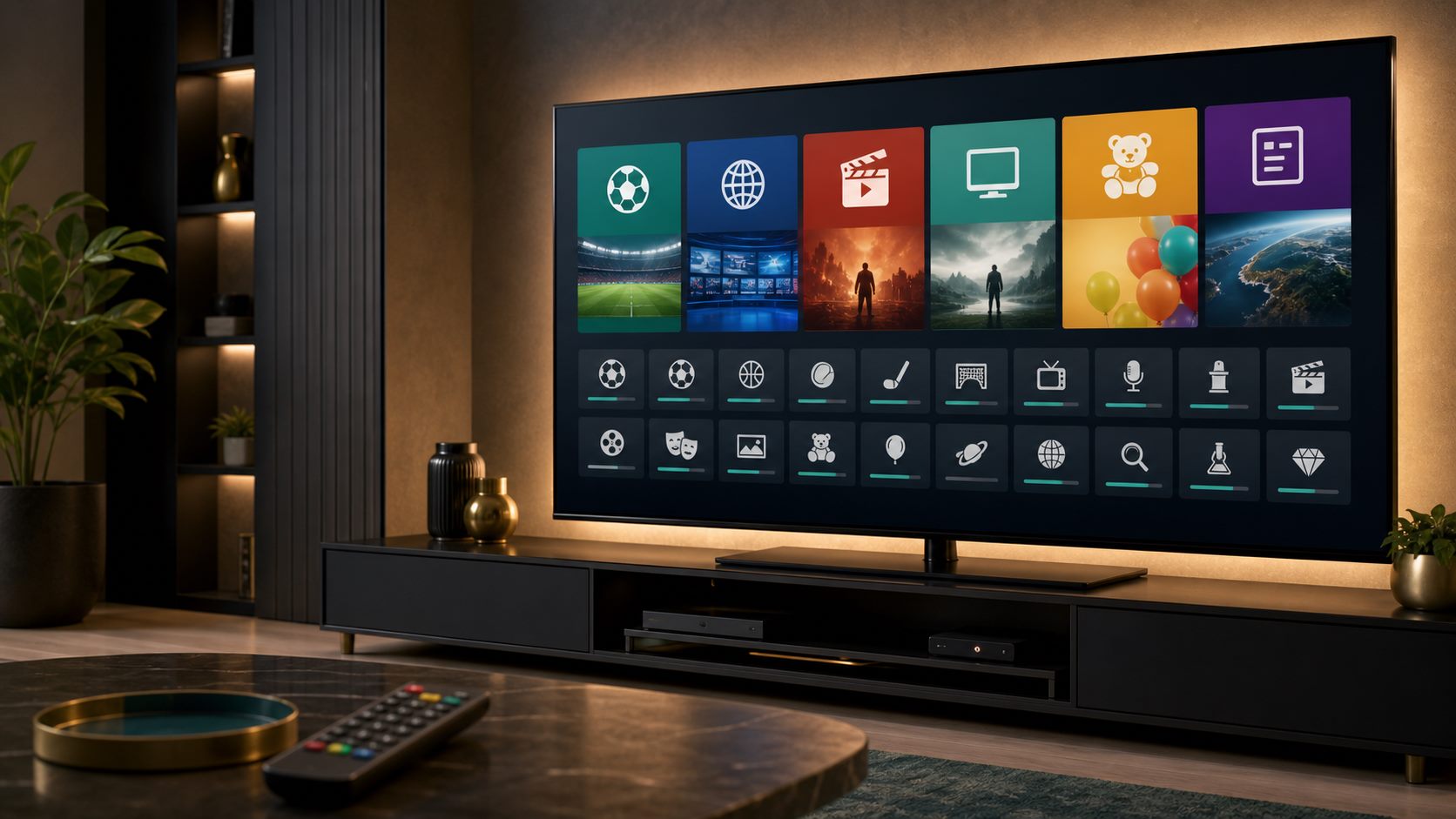
Test live TV, sport, movies and series before buying. If navigation and quality feel good, choosing a paid plan becomes much easier.
Related IPTV guides
Ready to test?
Start with a €1 trial and choose your plan after
Check live TV, sport, movies, series and app comfort on your own device. Then choose 3, 6 or 12 months calmly.