
Fix IPTV buffering fast before changing provider
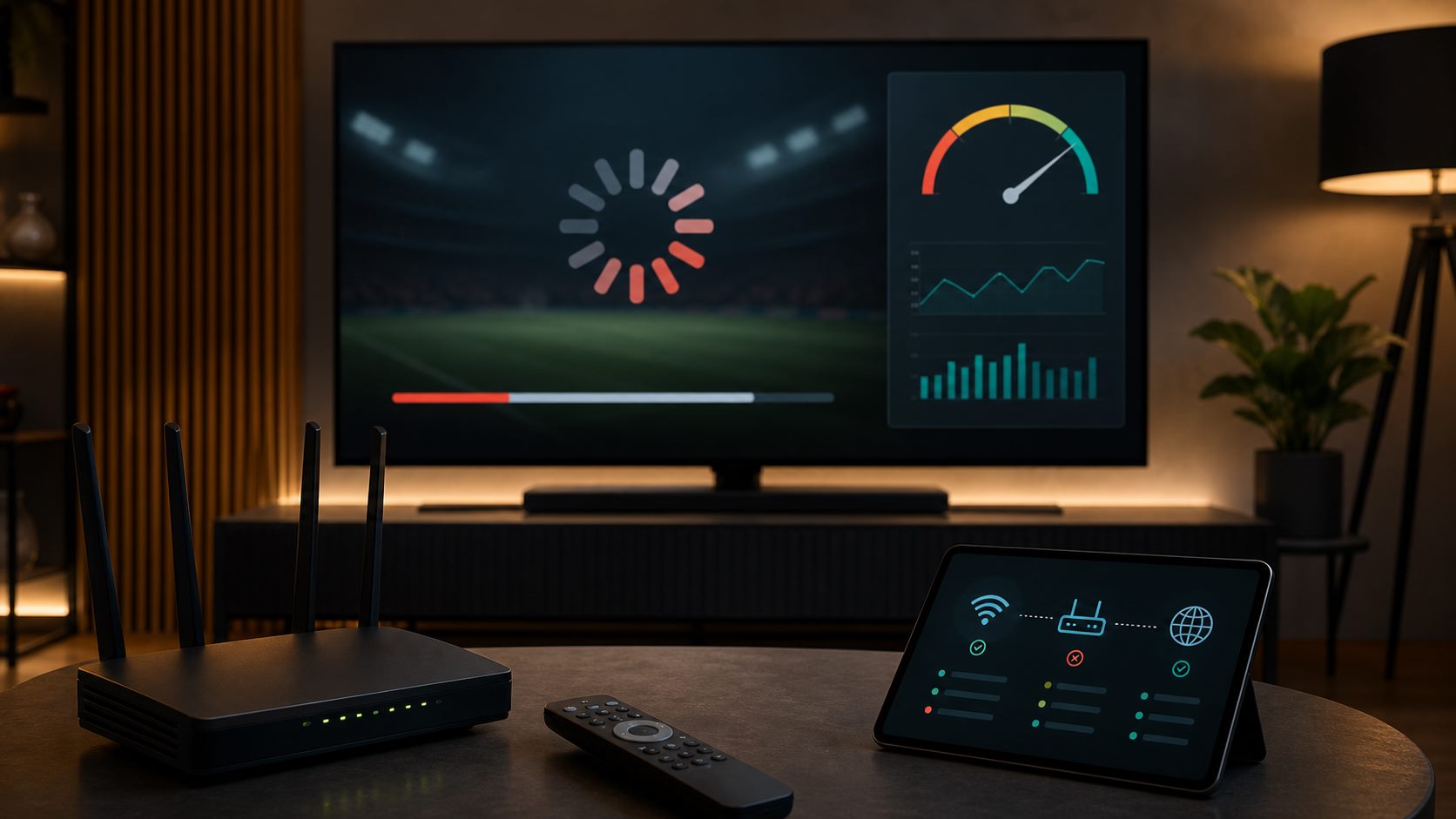
A quick IPTV buffering checklist for Wi-Fi, wired internet, app settings, device load and support.
To fix IPTV buffering fast, first check whether the issue is your connection, device, app or a specific stream. Restart the router, device and app.
Use wired internet when possible or move your router closer to the TV. Stop heavy downloads while testing live TV or sport.
If buffering continues, send support your device, app and the time it happens. A focused check can often solve the issue faster than guessing.
Related IPTV guides

Ready to test?
Start with a €1 trial and choose your plan after
Check live TV, sport, movies, series and app comfort on your own device. Then choose 3, 6 or 12 months calmly.